



High-Volume Printing & Scanning Solutions for Vancouver Construction & Engineering
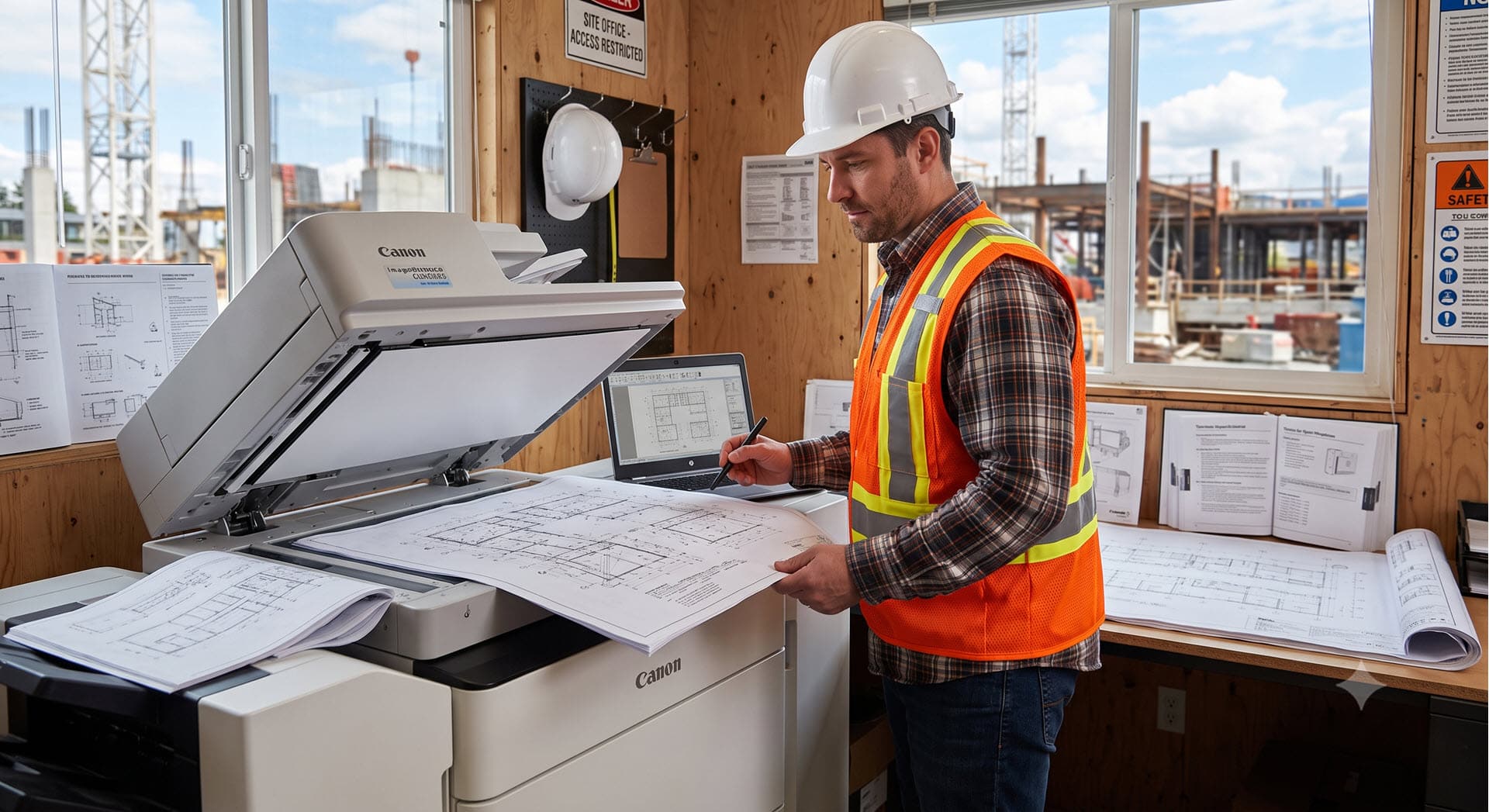
In Vancouver’s fast-paced construction and engineering sectors, project delays cost money. Whether you are finalizing time-sensitive bid packages, distributing detailed blueprint revisions, or archiving compliance logs, your document infrastructure needs to keep pace with your project timelines. At Columbia Business Systems, we provide specialized printing, scanning, and wide-format equipment built to meet the rugged demands and high volume of Vancouver’s building and design industries. Wide-Format & High-DPI Accuracy for Blueprints and Site Plans Technical drawings demand absolute precision. Low-quality prints lead to misread scale dimensions and costly site errors. We equip construction firms and engineering offices with high-DPI multifunction printers and wide-format plotters—including robust systems from Canon and Konica Minolta—that deliver crisp lines, accurate color coding, and high-speed output during heavy bidding phases. Secure Scanning & Digital Workflow for Site Compliance Managing a job site involves a massive volume of physical documentation: safety audits, vendor contracts, change orders, and [...]
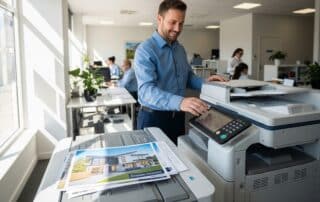
Managing High-Volume Printing & Scanning for Vancouver Real Estate Agencies
Real estate agencies in Vancouver move fast. Whether you are launching a new listing, managing high-resolution floor plans, or handling sensitive purchase contracts, your office technology should work as hard as your agents. At Columbia Business Systems, we have identified key ways real estate agencies can improve their output while protecting client data. Below are answers to the most common questions we receive from local agencies looking to optimize their workflow. Handling High-Volume Printing and Marketing Materials Real estate agencies often face sudden spikes in demand, such as a major listing launch. Your printers need to support high-resolution output for floor plans and marketing brochures without sacrificing speed. We recommend high-DPI (dots per inch) multifunction devices, such as the latest Canon imageRUNNER series, which ensure your listing materials look professional and color-accurate, helping you leave a strong impression on potential buyers. Ensuring Security for Sensitive Contracts Contracts contain private [...]
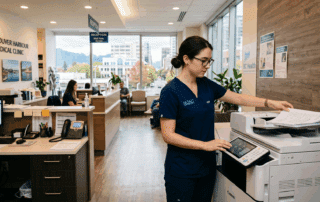
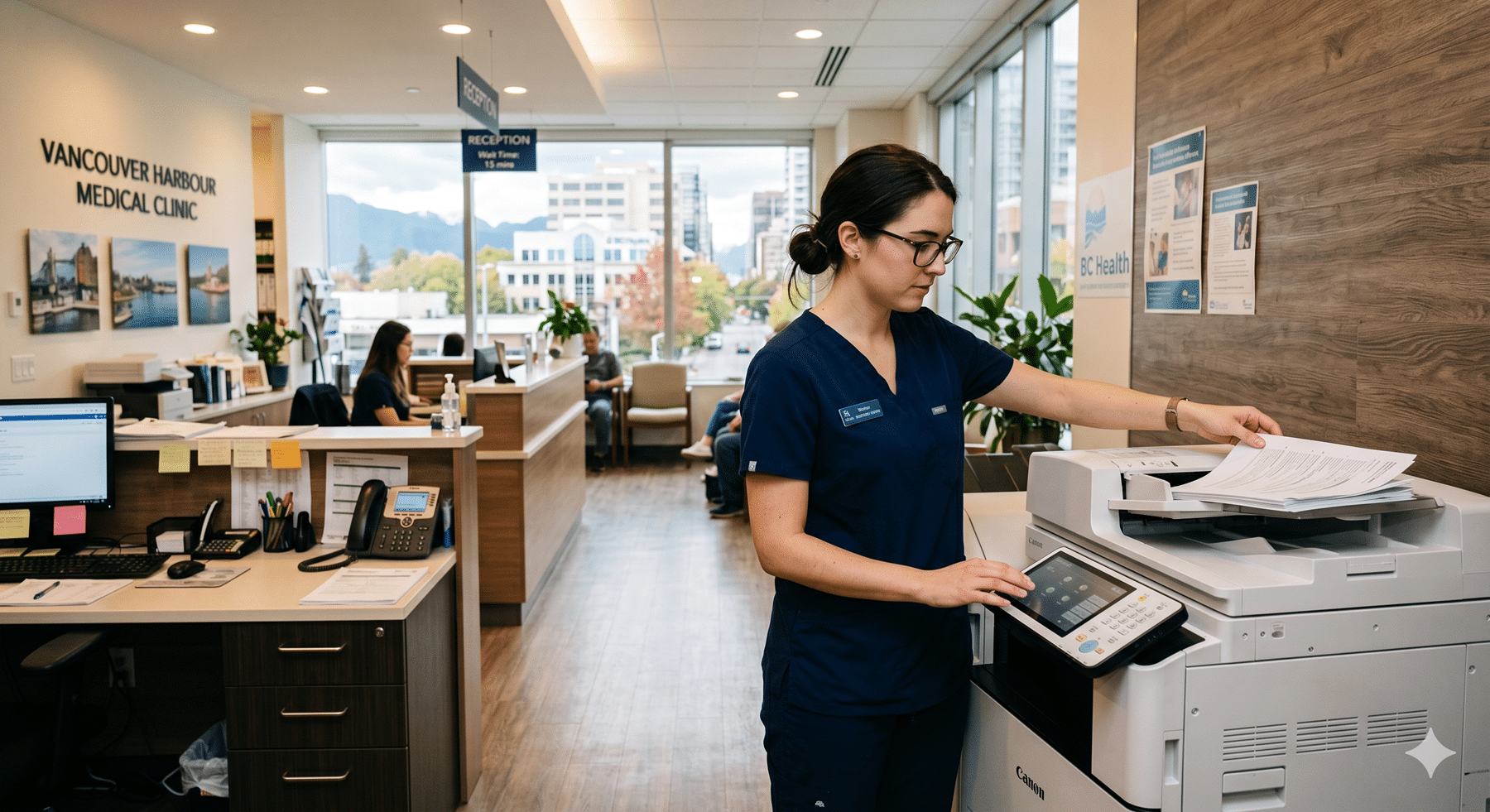
The Best Copiers for Medical Clinics in Vancouver
A practical guide to PIPEDA-compliant document equipment for BC healthcare providers Running a medical clinic in Vancouver or the Lower Mainland means managing an enormous volume of sensitive documents every single day. Patient intake forms, lab requisitions, referral letters, prescription pads, and diagnostic reports flow constantly through your front desk — and every one of them contains protected health information that is tightly regulated under Canadian law. Most general office equipment guides miss the point entirely when it comes to healthcare settings. A medical clinic cannot simply grab the cheapest multifunction printer off a big-box shelf. The wrong choice creates not just workflow headaches, but genuine legal liability under BC’s Personal Information Protection Act (PIPA) and federal PIPEDA legislation. At Columbia Business Systems, we have been equipping offices across Vancouver, Surrey, and the Fraser Valley for years as authorized dealers for Canon, Kyocera, and HP. This guide breaks down [...]

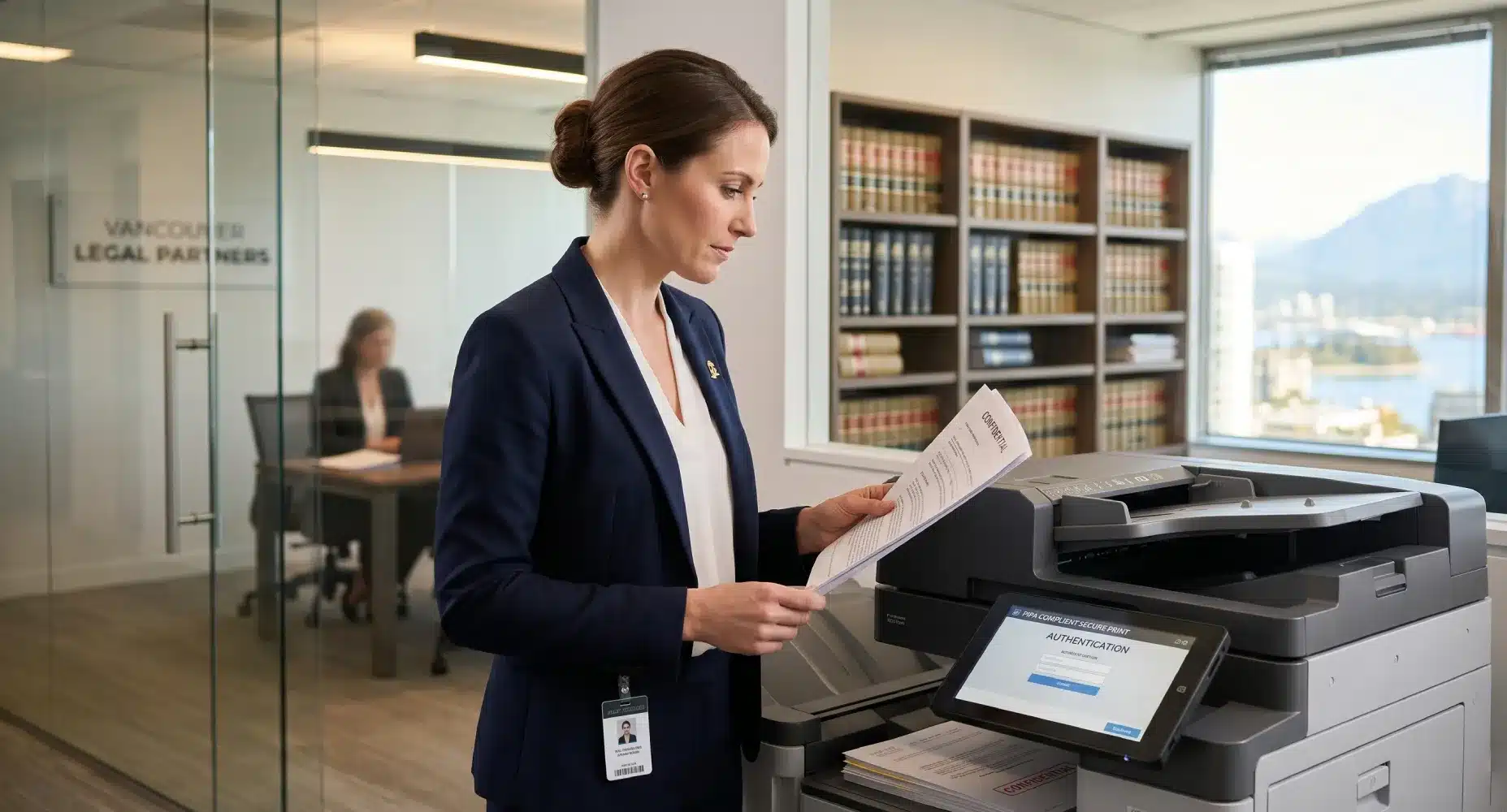
The Best Copiers for Law Firms in Vancouver: Security, Speed, and Compliance
Despite the push toward digital transformation, the legal industry remains heavily reliant on paper. From court filings and affidavits to massive discovery boxes, law firms in Vancouver and Surrey require a document workflow that is flawless. However, a standard office printer won't cut it for a legal practice. Law firms have three unique requirements that demand enterprise-level hardware: airtight security, high-speed duplex scanning, and accurate cost recovery. As authorized dealers for Canon, Kyocera, and HP, Columbia Business Systems has outfitted some of British Columbia’s top legal practices. Here is our guide to choosing the best multifunction printer (MFP) for your firm. 1. Airtight Security & PIPA Compliance For legal professionals, client confidentiality isn't just a best practice—it is mandated by law. British Columbia’s Personal Information Protection Act (PIPA) requires strict safeguarding of sensitive data. Modern copiers are essentially computers with hard drives, making them vulnerable if not properly secured. [...]

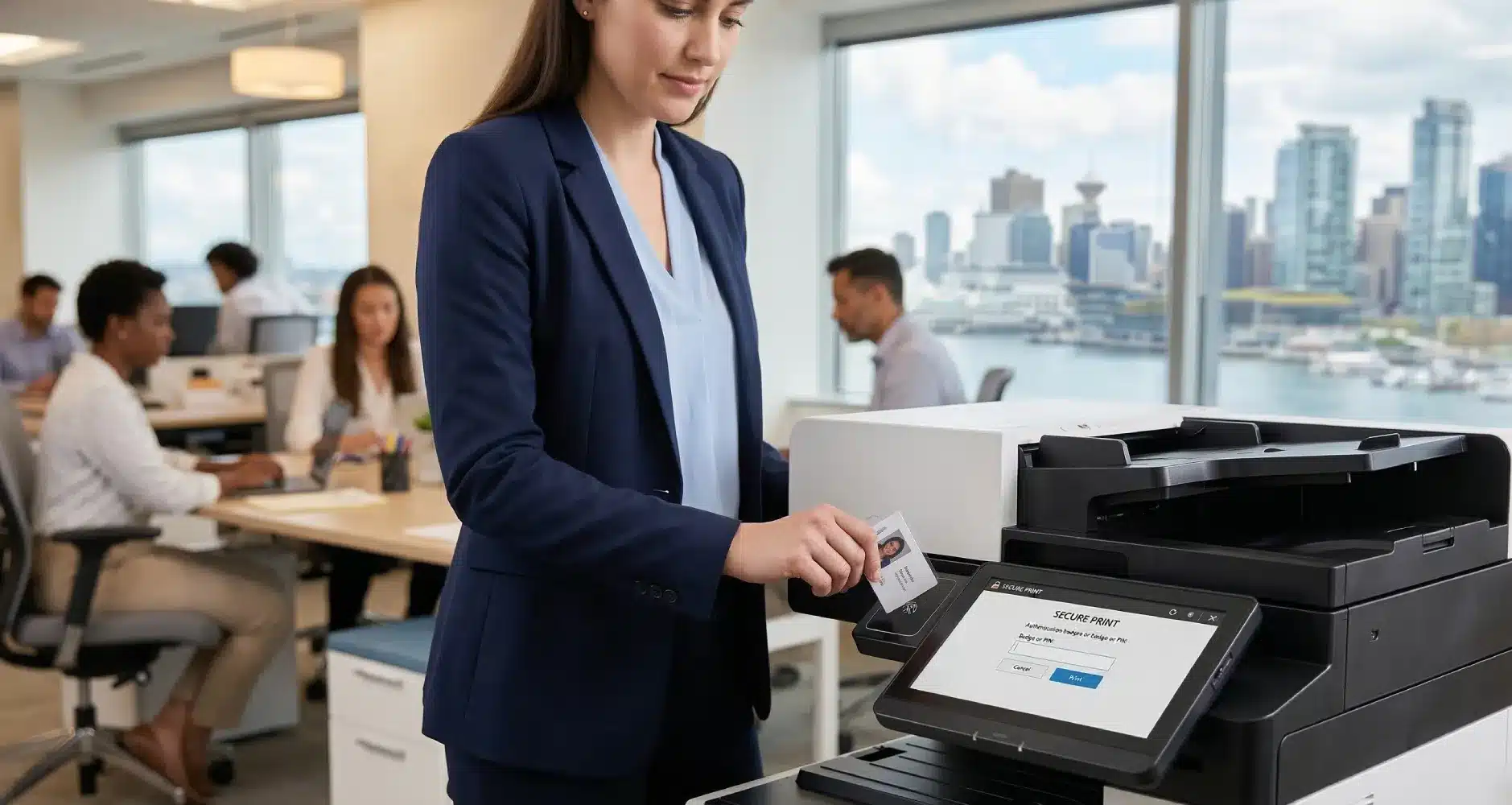
The Ultimate Guide to Office Copier Security for Vancouver Businesses
The Ultimate Guide to Office Copier Security for Vancouver Businesses When local business owners think about cybersecurity, they usually picture firewalls, antivirus software, and secure passwords. However, one of the biggest vulnerabilities sitting right in the middle of your office is often completely ignored: your multifunction printer (MFP). Modern copiers from brands like Canon, Kyocera, and HP are essentially powerful computers. They have hard drives, operating systems, and direct connections to your company network. If left unsecured, your office copier can become an open backdoor for hackers or a source of internal data leaks. Here is what every Vancouver and Surrey business needs to know to lock down their print environment. 1. The Hidden Risks of Unsecured Copiers Data breaches don't always look like sophisticated hacks; sometimes, they are as simple as a confidential document left sitting in the output tray. Common MFP security risks include: Abandoned Documents: Payroll [...]

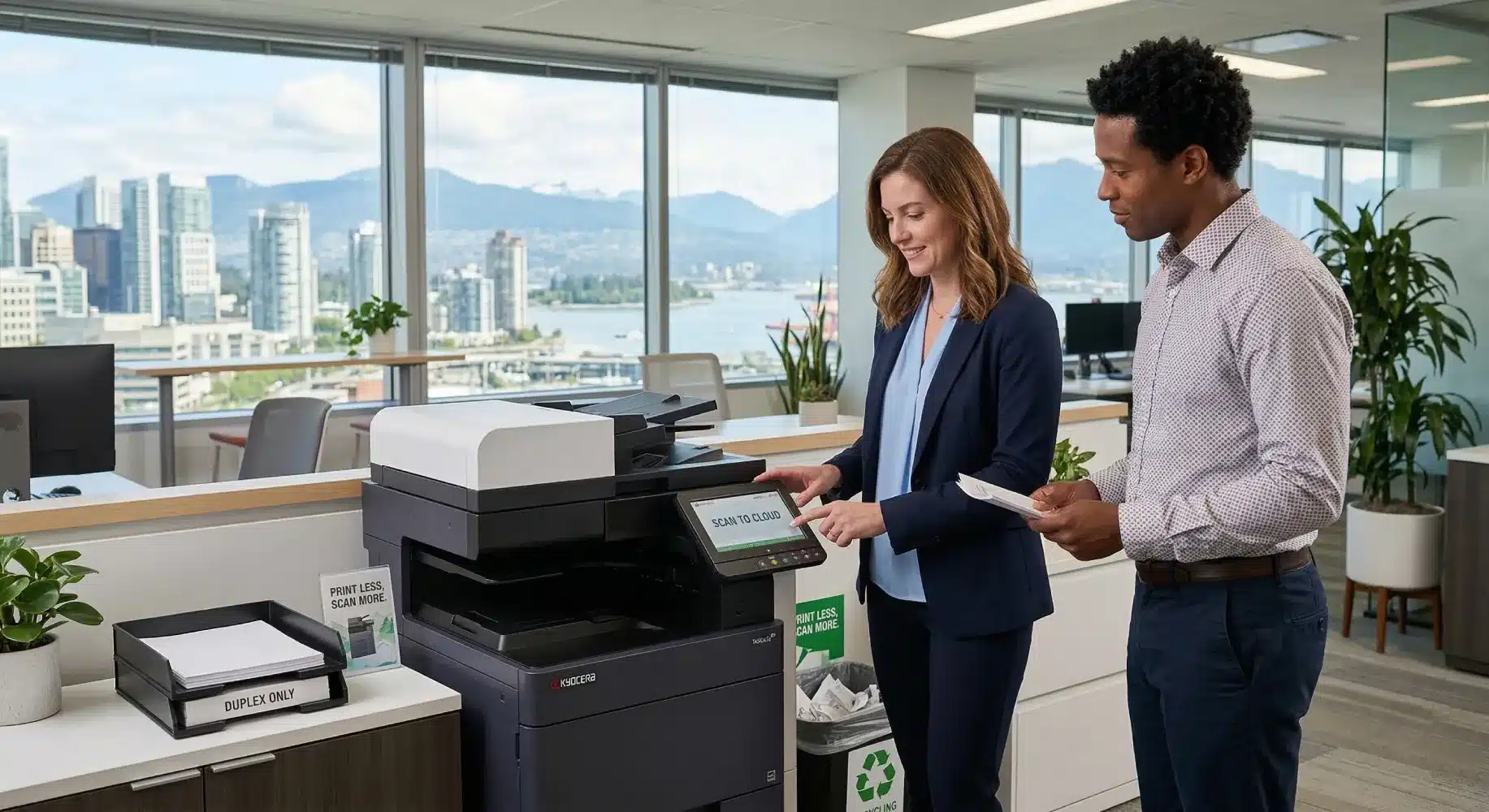
5 Proven Strategies to Reduce Office Printing Costs in Vancouver
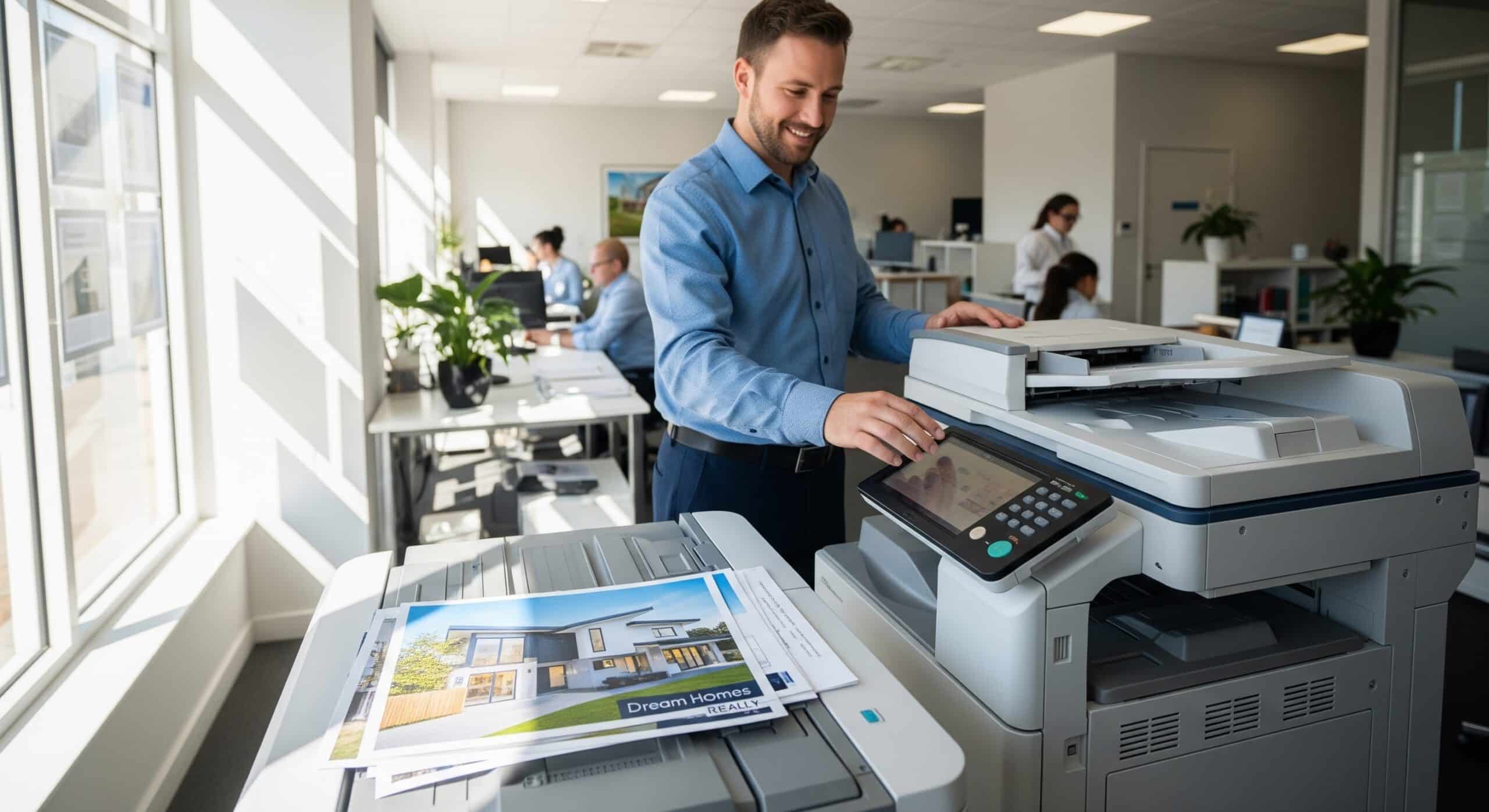
5 Proven Strategies to Reduce Office Printing Costs in Vancouver Running a business in Vancouver or Surrey means constantly looking for ways to optimize your operational budget. One of the most overlooked areas for savings? Your office print environment. Many BC companies hemorrhage money through unmanaged printing, outdated hardware, and inefficient document workflows. Whether you rely on basic desktop printers or high-volume multifunction printers (MFPs), implementing a few strategic changes can drastically lower your monthly overhead. As your local experts in Canon, Kyocera, and HP technology, we’ve put together five actionable strategies to help you cut printing costs without sacrificing productivity. 1. Implement Smart Print Rules and Defaults The easiest way to save money on printing is to simply print less—and print smarter. By adjusting the default settings on your office copiers and educating your team, you can cut toner and paper usage almost immediately. Quick rules you can [...]