

A practical guide to PIPEDA-compliant document equipment for BC healthcare providers
Running a medical clinic in Vancouver or the Lower Mainland means managing an enormous volume of sensitive documents every single day. Patient intake forms, lab requisitions, referral letters, prescription pads, and diagnostic reports flow constantly through your front desk — and every one of them contains protected health information that is tightly regulated under Canadian law.
Most general office equipment guides miss the point entirely when it comes to healthcare settings. A medical clinic cannot simply grab the cheapest multifunction printer off a big-box shelf. The wrong choice creates not just workflow headaches, but genuine legal liability under BC’s Personal Information Protection Act (PIPA) and federal PIPEDA legislation.
At Columbia Business Systems, we have been equipping offices across Vancouver, Surrey, and the Fraser Valley for years as authorized dealers for Canon, Kyocera, and HP. This guide breaks down exactly what a medical practice needs from its copier — and which machines we recommend for BC’s healthcare environment.
1. Why Medical Clinics Have Unique Copier Requirements
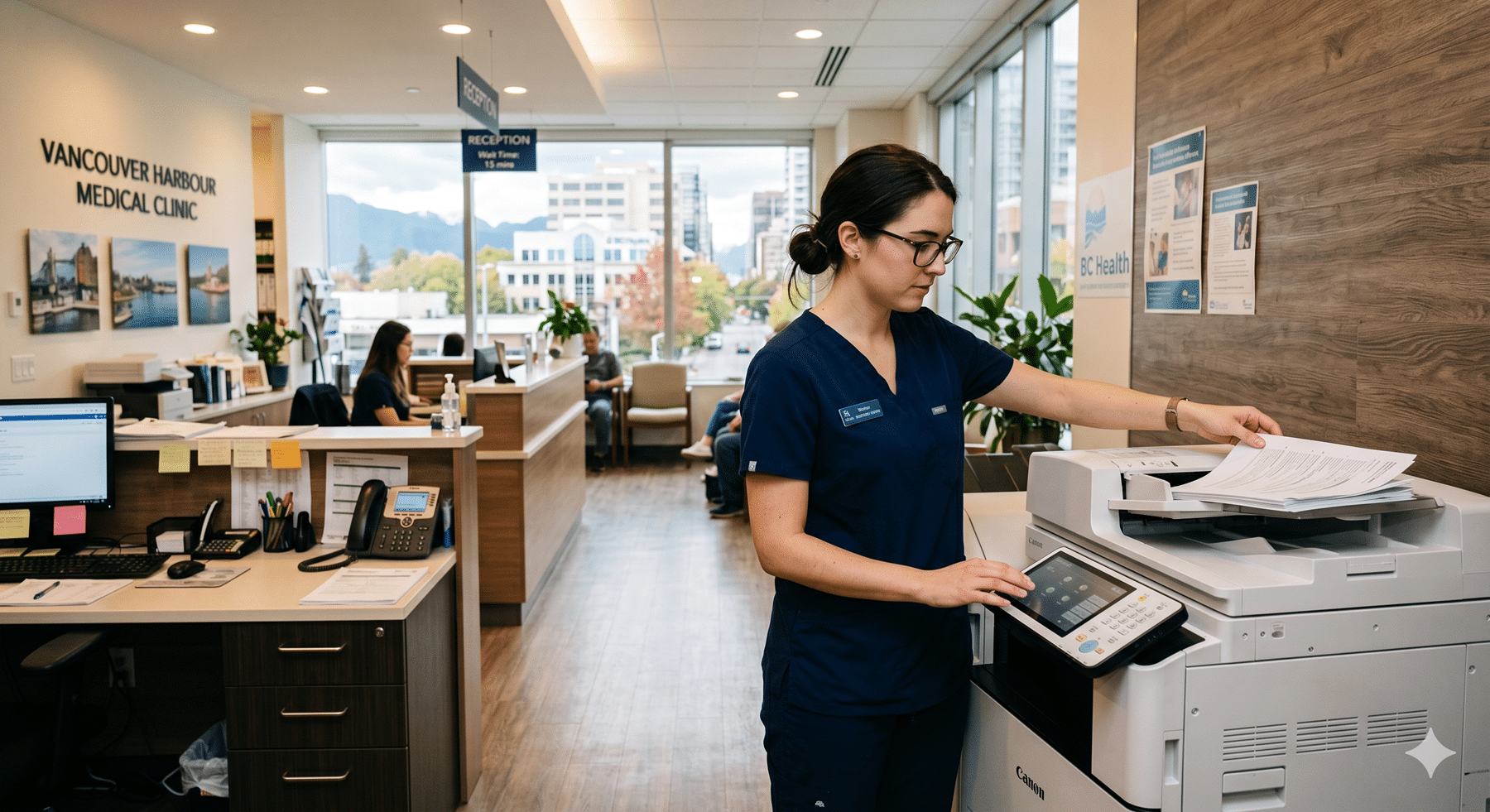
A busy family practice, walk-in clinic, or specialist’s office is not a typical office environment. The document demands are high, the workflows are complex, and the stakes around privacy are exceptionally serious. Here is what makes healthcare settings different:
- High document volume: Patient intake, referrals, lab results, prescriptions, specialist correspondence, and billing documents mean staff are printing and scanning throughout every working day.
- Mixed user base: Front desk staff, nurses, medical office assistants, and physicians all use the same device with different needs and different levels of technical comfort.
- Sensitive data at every step: Every document that passes through your printer or copier likely contains protected health information (PHI) — names, dates of birth, health card numbers, diagnoses, and medication records.
- Compliance stakes are high: A data breach at a medical practice is not just an IT problem. It can trigger regulatory investigations, damage patient trust, and in serious cases, put a clinic’s operating license at risk.
- No downtime tolerance: When a copier breaks down mid-clinic, it disrupts patient flow immediately. Fast, reliable service from a local vendor is not optional — it’s essential.
2. PIPEDA and BC’s PIPA: What Your Copier Actually Has to Do
This is the section most copier guides skip entirely — but it’s the most important one for any healthcare provider in British Columbia.
Modern multifunction printers are essentially computers. They run operating systems, connect directly to your clinic’s network, and — critically — store copies of every document they process on an internal hard drive. Every scan, print, fax, and copy can be logged and retained on that drive. If that drive is not encrypted, it becomes a serious liability.
Under PIPEDA (the federal Personal Information Protection and Electronic Documents Act) and BC’s own PIPA, healthcare providers are legally required to protect patient information from unauthorized access — including through the devices used to process that information. The key compliance requirements your copier must support include:
- Hard drive encryption: The internal storage of your MFP must encrypt data at rest so that information cannot be extracted if the machine is serviced, stolen, or returned at end of lease.
- Automatic data overwrite: After each job, the MFP should automatically overwrite the job data on the hard drive. Many enterprise-grade machines support this natively; it simply needs to be configured correctly on setup.
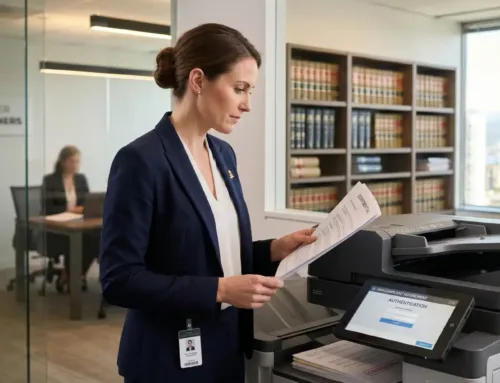
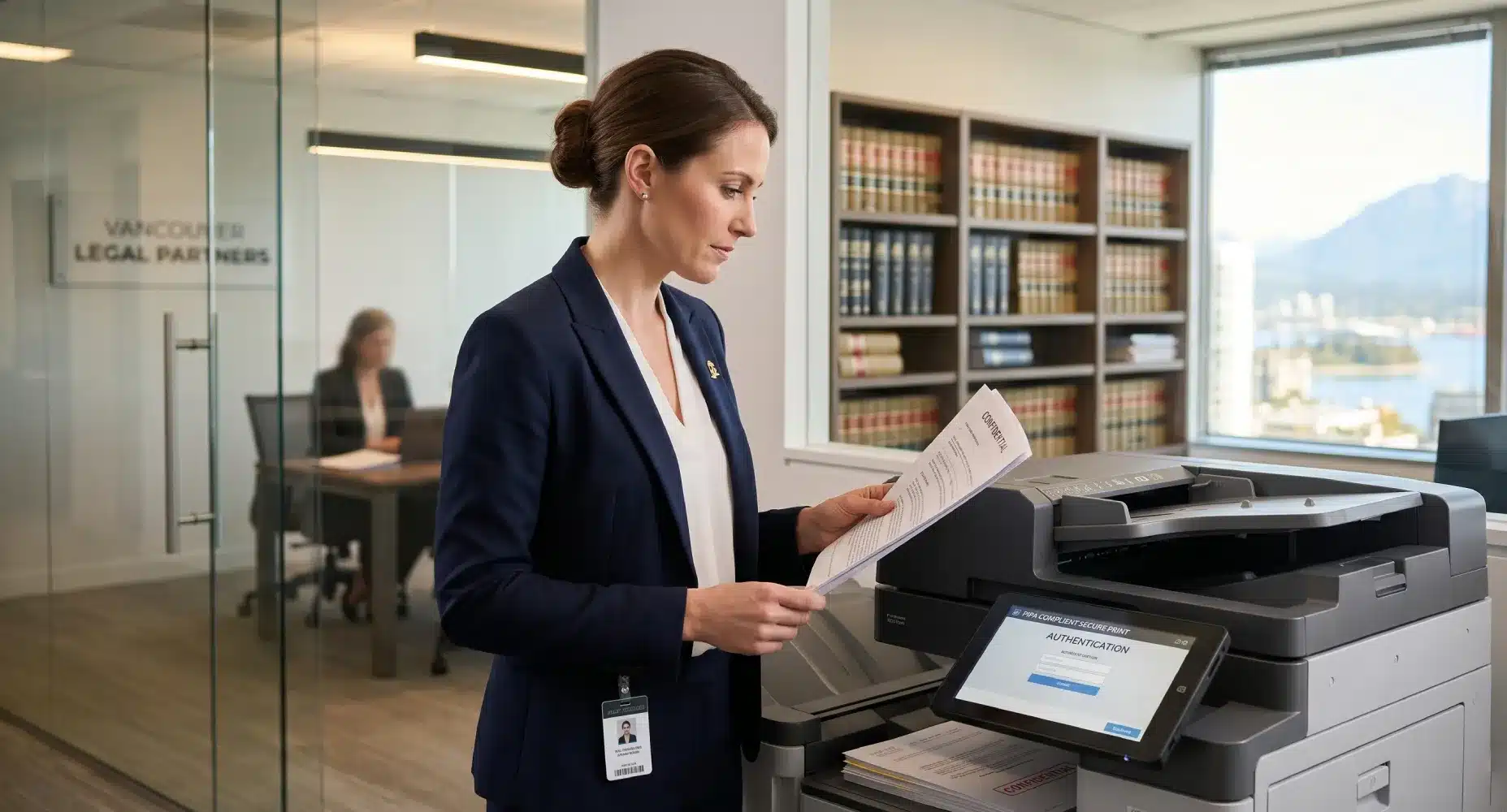
- User authentication: PIN codes or proximity card readers prevent documents from sitting uncollected in the output tray where any patient or visitor in your waiting room might see them.
- Audit logging: The ability to record who printed or scanned what, and when, gives your clinic a clear record in the event of a complaint or investigation.
- Secure end-of-lease handling: When you return a leased machine, the hard drive needs to be wiped or destroyed. This is a compliance step that many clinics overlook entirely.
Columbia Business Systems configures all of these security settings on every machine we deploy into a healthcare environment. It’s not something we leave for the clinic to sort out later.
3. Key Features to Look For
Beyond compliance, the right medical clinic copier needs to fit your actual daily workflow. Here is what to prioritize when evaluating machines:
- User Authentication: User authentication (PIN or card-based)
- Prevents documents from sitting exposed in the output tray. Card-based authentication is particularly useful in busy clinics where staff are moving quickly.
- High-Speed Duplex Scanning: High-speed duplex scanning
- Referral letters, lab requisitions, and multi-page patient files need to get into your Electronic Medical Record (EMR) system quickly. Look for scan speeds of 60+ images per minute and automatic document feeders that handle mixed paper sizes.
- EMR Integration: EMR integration capability
- The best MFPs can scan directly to a network folder, email, or cloud location that feeds into your EMR software. If your clinic uses OSCAR, Wolf EMR, or a similar system, ask specifically about folder-based scan workflows — it eliminates a significant manual step.
- Prescription Printing: Prescription printing precision
- Reliable, sharp output on smaller-format stock is important for clinics that print prescriptions directly. Some practices also print on tamper-evident Rx paper, which requires accurate paper handling.
- Quiet Operation: Quiet operation
- Exam rooms and waiting areas are adjacent to your copier room in most clinic floor plans. Fan noise and mechanical sound levels are worth considering.
- Fast Local Service: Fast local service
- A clinic with a broken copier cannot function. Columbia Business Systems offers a 4-hour response guarantee for service calls across Greater Vancouver and Surrey — this alone is often the deciding factor for our healthcare clients.
4. Our Top Recommendations for Medical Clinics
As authorized dealers for Canon, Kyocera, and HP, we can offer an unbiased recommendation based on your clinic’s size and workflow. Here is how our top picks for healthcare environments compare:
| Canon imageRUNNER ADVANCE | Kyocera ECOSYS | HP LaserJet MFP | |
|---|---|---|---|
| Best For | Mid-to-large clinics; high colour volume | Cost-conscious smaller practices | Clinics in HP/Microsoft ecosystems |
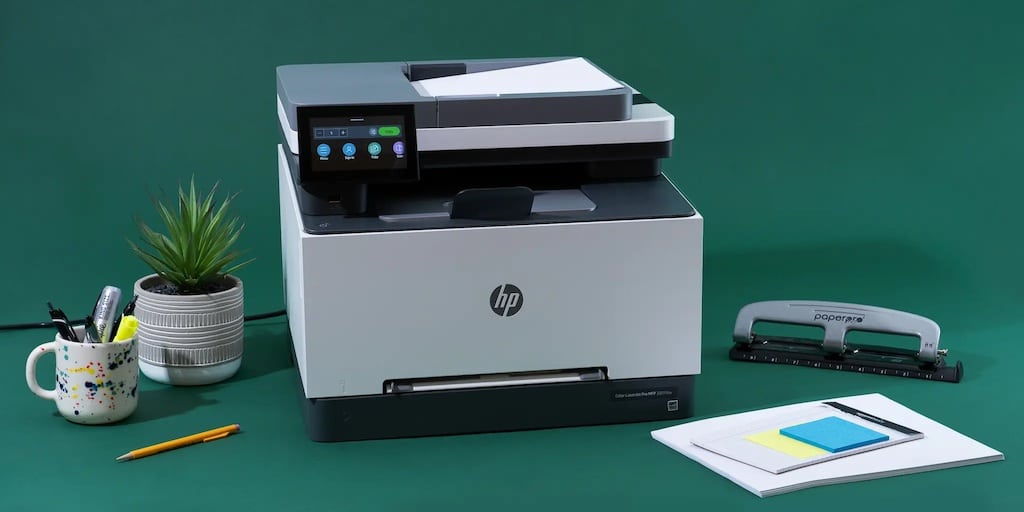
| Security Features | HDD encryption, card auth, audit log | HDD encryption, PIN auth, data overwrite | HP Wolf Security, PIN release, FutureSmart |
| Scan Speed | Up to 100+ ipm (model dependent) | Up to 75 ipm | Up to 80 ipm |
| Cost Per Page | Moderate; excellent colour quality | Very low; among the best in class | Low to moderate |
| Ideal Clinic Type | Specialist referral centres, imaging clinics, multi-physician practices | Family practices, solo physicians, smaller walk-ins | Clinics already running Windows/Microsoft 365 infrastructure |
Note: Specific models and current pricing vary. Contact Columbia Business Systems for a tailored recommendation based on your monthly print volume and workflow requirements.
5. Leasing vs. Buying: What Makes Sense for a Medical Practice
For most medical and healthcare clients, leasing is the smarter financial choice — and it is what the majority of our clinic clients choose. Here is why:
- Cash flow management: A high-end MFP configured for a medical environment can represent a significant capital outlay. Leasing spreads that cost into a predictable monthly operating expense, which is usually preferable for professional corporations.
- Tax treatment: Lease payments on business equipment are typically deductible as an operating expense in Canada, rather than being capitalized and depreciated. Your accountant will have the final word on your specific situation.
- Technology refresh: Medical document technology evolves. A 3-to-5-year lease gives your clinic a natural upgrade cycle, so you are never stuck running outdated equipment with outdated security standards.
- Included service: Many of our lease agreements bundle maintenance and toner supply, meaning one fixed monthly cost covers everything. No surprise repair invoices.
Purchasing outright can make sense for clinics with the capital available and a preference for total ownership. We walk every client through both options with no pressure either way. You can also explore our detailed breakdown in our Lease vs. Buy guide on the Columbia Business Systems website.
Talk to a Local Expert
Every clinic is different. A two-physician family practice in Surrey has very different document needs than a busy specialist referral centre in downtown Vancouver or a walk-in clinic running extended hours. Getting the hardware wrong means either overpaying for capacity you don’t use, or running a device that can’t keep up — and creating compliance gaps along the way.
Columbia Business Systems offers free on-site consultations for medical and healthcare clients across Greater Vancouver, Surrey, Langley, and the Fraser Valley. We will assess your current workflow, recommend the right hardware configuration, and handle all compliance setup from day one — including hard drive encryption, user authentication, and audit logging.
Call us at 604.591.3488, email info@columbia-business.com, or use our online contact form to book your consultation.