

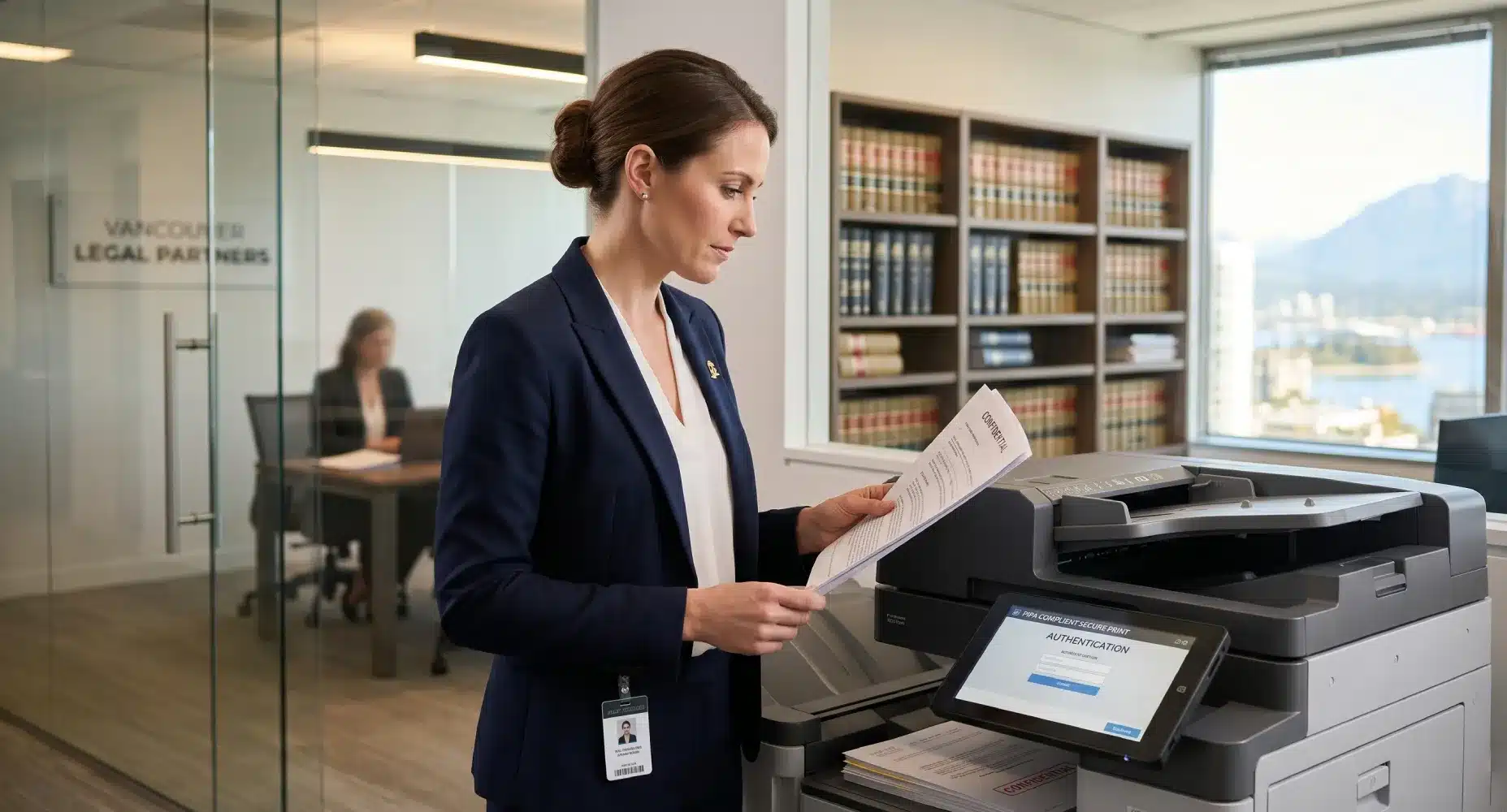
However, a standard office printer won’t cut it for a legal practice. Law firms have three unique requirements that demand enterprise-level hardware: airtight security, high-speed duplex scanning, and accurate cost recovery. As authorized dealers for Canon, Kyocera, and HP, Columbia Business Systems has outfitted some of British Columbia’s top legal practices. Here is our guide to choosing the best multifunction printer (MFP) for your firm.
1. Airtight Security & PIPA Compliance
For legal professionals, client confidentiality isn’t just a best practice—it is mandated by law. British Columbia’s Personal Information Protection Act (PIPA) requires strict safeguarding of sensitive data. Modern copiers are essentially computers with hard drives, making them vulnerable if not properly secured.
Must-Have Security Features for Legal Offices:
- Secure Print Release (Pull Printing): Documents do not print until the user authenticates at the machine with a PIN or fob. This prevents confidential contracts from sitting unattended in the output tray.
- Hard Drive Encryption & Overwrite: Ensure your MFP automatically encrypts stored data and wipes the hard drive after every job.
- Audit Trails: Advanced software can track exactly who printed, scanned, or copied a document, and when.
2. High-Speed Scanning and Document Routing
Discovery and archiving require digitizing thousands of pages quickly. If your paralegals and legal assistants are fighting with paper jams or slow, single-sided scanners, your firm is losing billable hours.
The best copiers for law firms feature Single-Pass Duplexing Automatic Document Feeders (DSDF). This allows the machine to scan both sides of a page simultaneously at speeds exceeding 200 images per minute (ipm). Furthermore, top-tier machines from brands like Canon and Kyocera integrate directly with legal document management systems (DMS) like Clio or Worldox. You can scan, apply Optical Character Recognition (OCR) to make the text searchable, and route it directly to the correct client folder straight from the copier’s touchscreen.
3. Seamless Print Cost Recovery
Every page printed or copied on behalf of a client is a recoverable expense. Unfortunately, many firms lose thousands of dollars annually because employees forget to log their print jobs.
By pairing your office copier with print management software like uniFLOW, you can automate this process. When a user sends a job to the printer, a pop-up on their computer requires them to enter the specific client or matter billing code before the job is processed. This ensures 100% accurate cost recovery that can be exported directly into your accounting software.
Top Copier Recommendations for Legal Practices
While the exact model depends on your firm’s size, here are the hardware lines we consistently recommend for legal environments:
- Canon imageRUNNER ADVANCE Series: The gold standard for law firms. Canon offers unparalleled integration with cost-recovery software (uniFLOW), industry-leading McAfee embedded security, and ultra-fast, whisper-quiet scanning.
- Kyocera TASKalfa Series: Known for their incredibly durable ceramic drums, Kyocera machines are workhorses. They are ideal for high-volume litigation firms that need maximum uptime and a low cost-per-page.
- HP LaserJet Managed MFPs: HP boasts some of the strongest self-healing BIOS security features on the market, making them a top choice for firms where cybersecurity is the absolute highest priority.
Frequently Asked Questions (FAQ)
Q: Should a law firm lease or buy their copier?
A: Due to the rapid advancement of cybersecurity features and the need for high-end hardware, most law firms choose to lease. Leasing allows you to upgrade to the most secure technology every 3 to 5 years without a massive capital expense. Read our full guide on leasing vs. buying an office copier to learn more.
Q: Can modern copiers integrate with Bates stamping?
A: Yes. Many enterprise-level MFPs and their associated software suites can automatically apply Bates numbering to documents as they are scanned or printed, saving your staff hours of manual work.
Equip Your Firm with the Right Technology
Your document workflow should empower your legal team, not slow them down. At Columbia Business Systems, we specialize in customizing print fleets and software solutions for legal professionals across Vancouver, Surrey, and the Lower Mainland.
Need a secure, high-volume printing solution for your practice?