

The Ultimate Guide to Office Copier Security for Vancouver Businesses
When local business owners think about cybersecurity, they usually picture firewalls, antivirus software, and secure passwords. However, one of the biggest vulnerabilities sitting right in the middle of your office is often completely ignored: your multifunction printer (MFP).
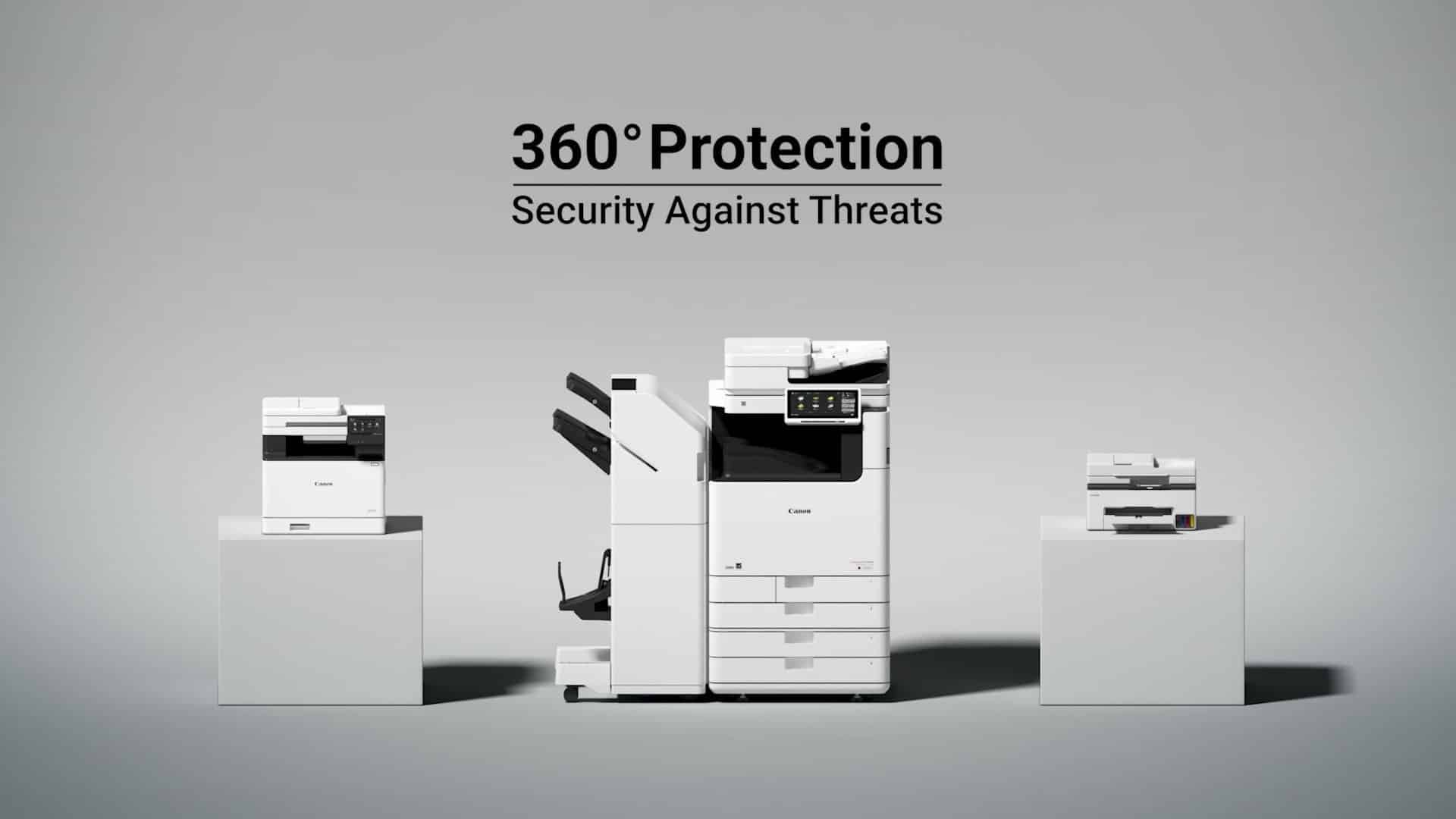
Modern copiers from brands like Canon, Kyocera, and HP are essentially powerful computers. They have hard drives, operating systems, and direct connections to your company network. If left unsecured, your office copier can become an open backdoor for hackers or a source of internal data leaks. Here is what every Vancouver and Surrey business needs to know to lock down their print environment.
2. Essential Security Features You Must Enable
Fortunately, you don’t need to be an IT genius to secure your print fleet. The latest devices from Columbia Business Systems come equipped with enterprise-grade security features.
Top features to activate today:
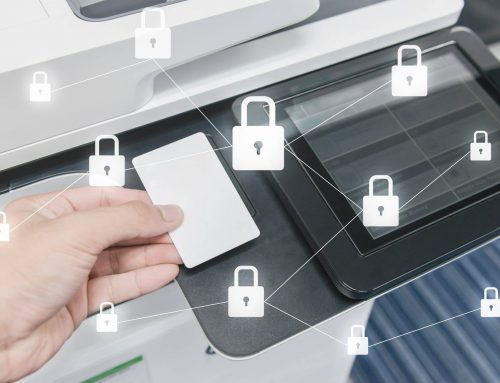
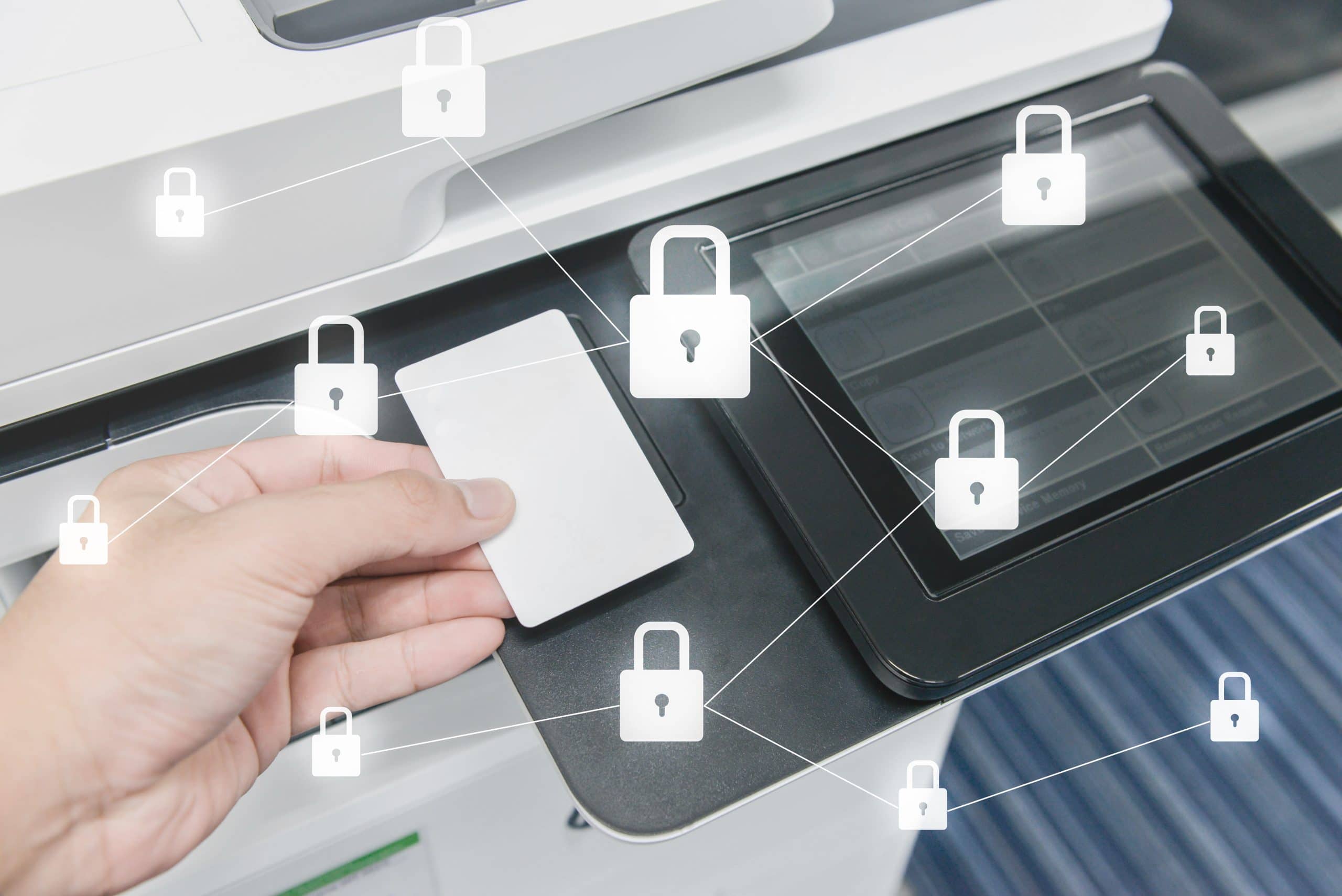
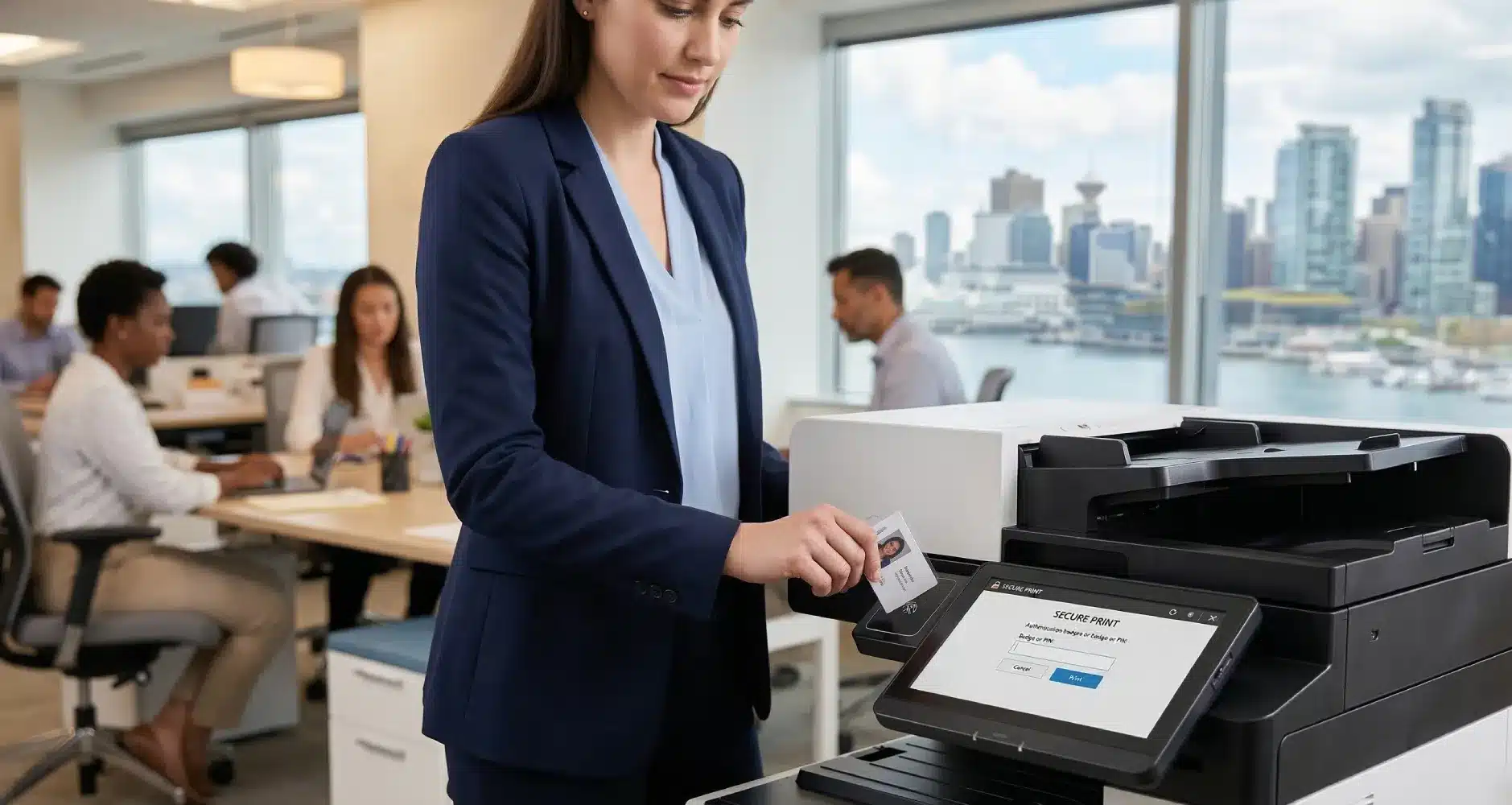
- Secure Print (Pull Printing): Require users to authenticate at the machine using a PIN code, ID badge, or mobile device before their job is printed. This completely eliminates the risk of abandoned documents.
- Data Overwrite Security System (DOSS): Ensure your MFP is configured to automatically overwrite and erase temporary data on its hard drive after every print, scan, or copy job.
- Firmware Updates: Just like your smartphone, copiers need regular software updates to patch security vulnerabilities. Clients enrolled in our Service & Maintenance Packages benefit from regular, proactive firmware updates to keep machines secure.
3. Staying Compliant with BC Privacy Laws (PIPA)
If your business operates in British Columbia, you are subject to the Personal Information Protection Act (PIPA). This law mandates that businesses must protect the personal information of their clients and employees.
Failing to secure your MFPs—especially if you scan or print sensitive financial, legal, or medical documents—could result in severe compliance violations and reputational damage. Upgrading to secure hardware is a critical step in maintaining your PIPA compliance.
Frequently Asked Questions (FAQ)
Q: What happens to the hard drive when we return a leased copier?
A: This is a critical question! At Columbia Business Systems, we adhere to strict end-of-life data destruction protocols. Before an old machine leaves your premises or gets refurbished, we ensure the hard drive is completely wiped or physically destroyed to protect your data.
Q: Can a hacker really access my network through a printer?
A: Yes. If a printer is connected to your network with default admin passwords and outdated firmware, hackers can use it as a bridge to access your broader IT infrastructure. Always change default passwords upon installation.
Secure Your Print Fleet Today
Don’t wait for a data breach to realize your office copiers were vulnerable. Whether you need to enable security features on your current fleet or upgrade to the latest, heavily encrypted hardware from Canon, Kyocera, or HP, we are here to help.
Take the first step in protecting your business’s sensitive information.
Request a Security Audit of Your Copiers Today
Or call our local experts at 604.591.3488