

5 Proven Strategies to Reduce Office Printing Costs in Vancouver
Running a business in Vancouver or Surrey means constantly looking for ways to optimize your operational budget. One of the most overlooked areas for savings? Your office print environment.
Many BC companies hemorrhage money through unmanaged printing, outdated hardware, and inefficient document workflows. Whether you rely on basic desktop printers or high-volume multifunction printers (MFPs), implementing a few strategic changes can drastically lower your monthly overhead. As your local experts in Canon, Kyocera, and HP technology, we’ve put together five actionable strategies to help you cut printing costs without sacrificing productivity.
1. Implement Smart Print Rules and Defaults
The easiest way to save money on printing is to simply print less—and print smarter. By adjusting the default settings on your office copiers and educating your team, you can cut toner and paper usage almost immediately.
Quick rules you can set today:
- Default to Duplex (Two-Sided) Printing: This instantly cuts your paper consumption in half.
- Draft Mode & Grayscale: Restrict high-quality color printing to client-facing documents only. Internal memos and emails should default to black-and-white draft mode.
- Pull Printing (Secure Print): Require employees to enter a PIN at the machine to release their print jobs. This eliminates the massive stack of abandoned, forgotten documents sitting on the printer tray at the end of the day.
2. Upgrade Outdated, Inefficient Hardware
It sounds counterintuitive, but holding onto an old 10-year-old copier is likely costing you more than acquiring a new one. Older machines are notoriously energy inefficient and frequently break down, leading to costly ad-hoc repair bills and expensive retail-priced toner cartridges.
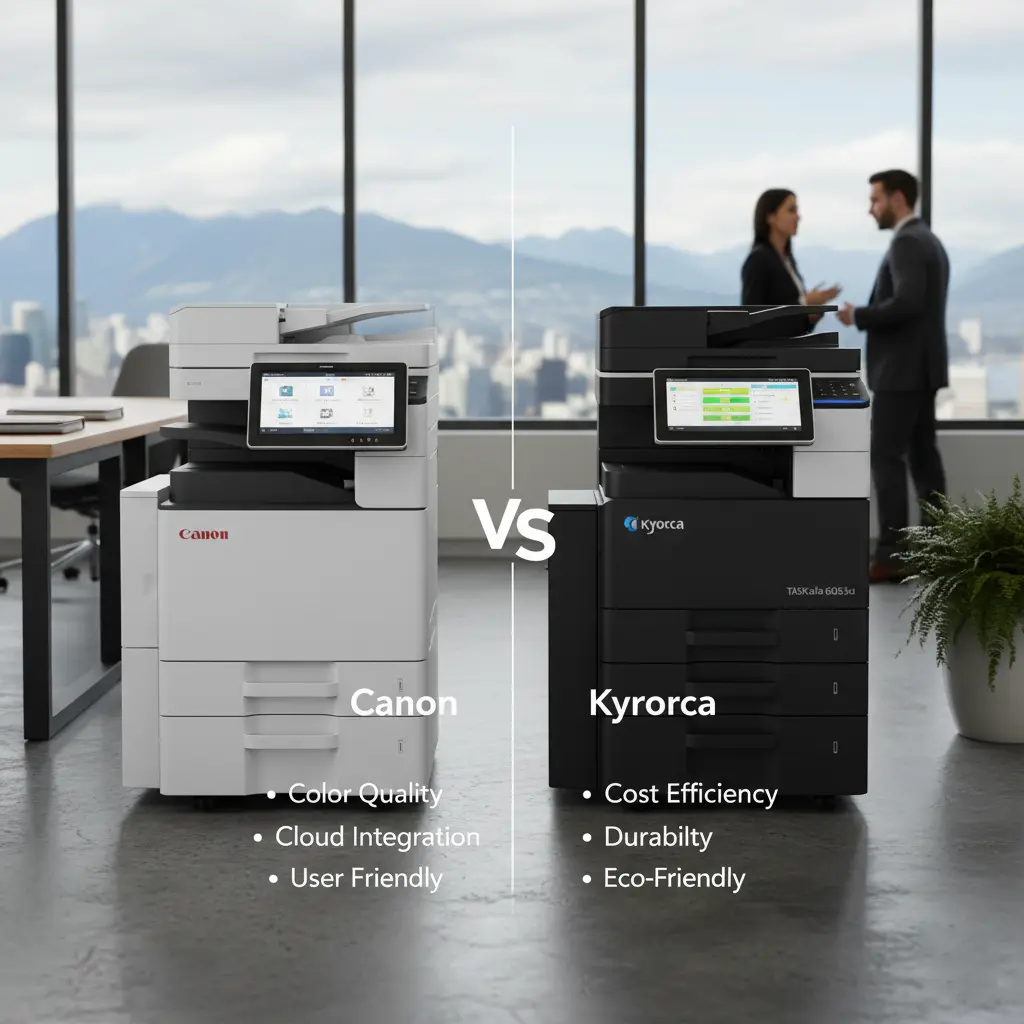
Modern MFPs, like the latest Kyocera TASKalfa or Canon imageRUNNER ADVANCE models, are engineered for efficiency. They use long-life consumables, require less electricity, and feature high-yield toner that significantly lowers your cost-per-page (CPP).
3. Consolidate with Managed Print Services (MPS)
If you have multiple different printer brands scattered across your office, you are probably spending too much time and money managing separate toner orders and service calls.
By enrolling in comprehensive Service & Maintenance Packages, you consolidate everything into one predictable monthly invoice. We monitor your toner levels remotely and ship replacements before you run out, while also handling preventative maintenance to prevent costly downtime.
4. Digitize Your Document Workflows
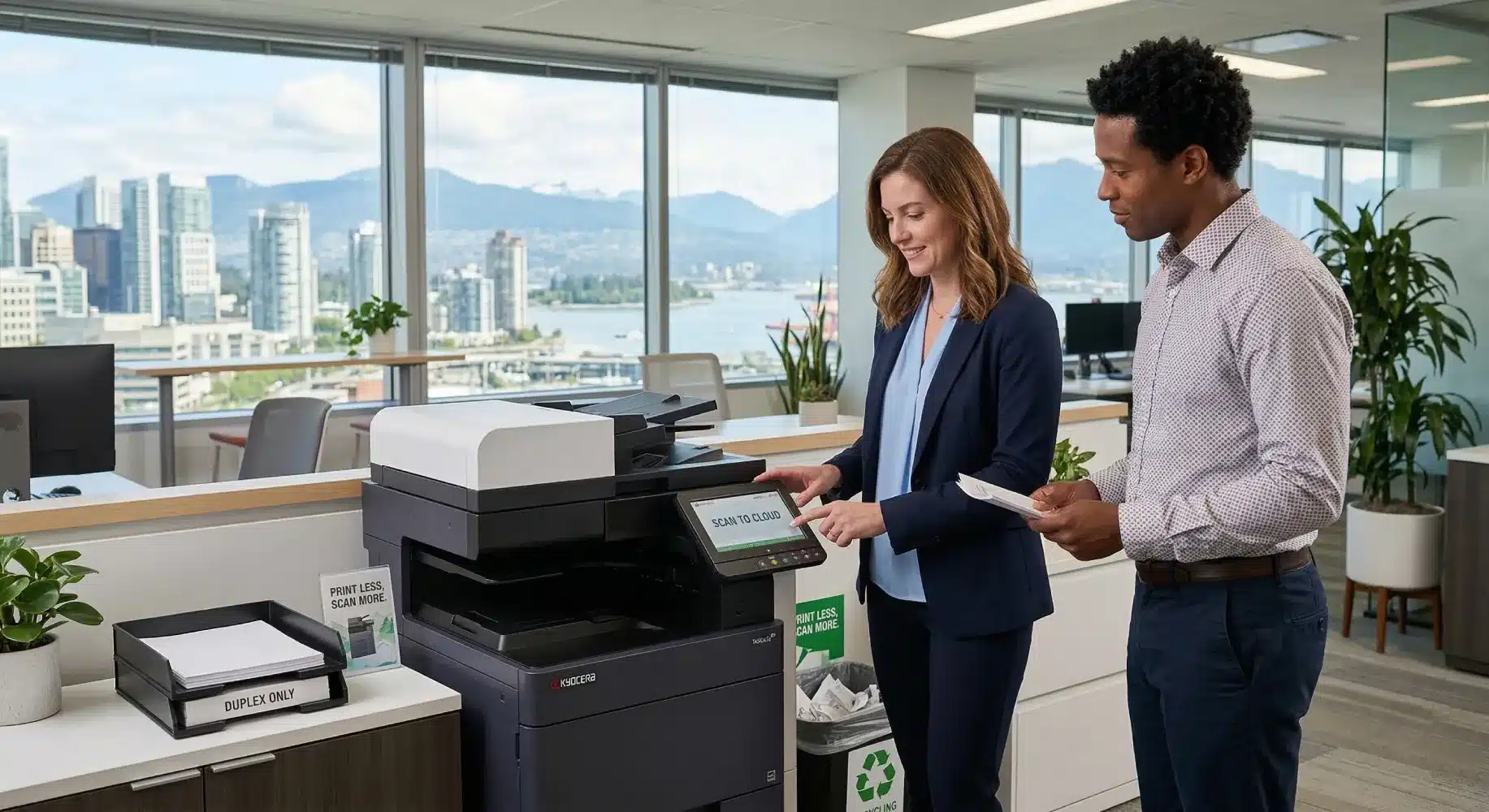
The cheapest page to print is the one you never print at all. Modern office copiers are actually powerful document management hubs. Instead of printing documents for filing, you can utilize one-touch scanning to route documents directly to your cloud storage, email, or local server.
Scanning and digitizing invoices, contracts, and HR records not only saves paper and toner, but it also reclaims expensive physical office space and improves your team’s ability to search and share information quickly.
Frequently Asked Questions (FAQ)
Q: Does color printing really cost that much more than black and white?
A: Yes. Color printing uses four separate toners (Cyan, Magenta, Yellow, Black) and can cost significantly more per page than standard monochrome printing. Limiting color access is a top priority for cost reduction.
Q: How do I know what my current printing costs are?
A: Most businesses don’t! That’s where we come in. We can perform a comprehensive print audit of your office to identify exactly how much you are spending and where the waste is occurring.
Start Saving on Office Printing Today
Reducing your printing costs doesn’t mean you have to compromise on quality or slow down your team. With the right hardware, intelligent software defaults, and a trusted local partner, you can turn your print environment into a streamlined, cost-effective asset.
Ready to see how much your business could save? Let our experts analyze your current print setup and build a custom, cost-saving strategy.
Request Your Free Print Audit & Quote Today
Or call our Vancouver team directly at 604.591.3488