


5 Hidden Ways Your Office Printer is Wasting Money (And How to Fix It)
Running a business in the Lower Mainland isn’t cheap. Between commercial rent in Vancouver and rising operational costs, every line item on your budget matters. Yet, many organizations overlook one of the biggest silent expenses: unmanaged office printing.
It’s not just about the price of paper. Inefficient workflows, outdated hardware, and “phantom” toner costs can bleed thousands of dollars from your bottom line annually. As Vancouver’s trusted partner for Canon, HP, and Kyocera, we have identified five common ways local businesses lose money on printing—and the actionable steps you can take to stop it.
1. The “Cheap Printer” Trap (High Cost-Per-Page)
It’s a common scenario: a small business buys inexpensive desktop inkjet printers from a big-box store to save on upfront capital. While the machine cost $200, the ink cartridges cost a fortune.
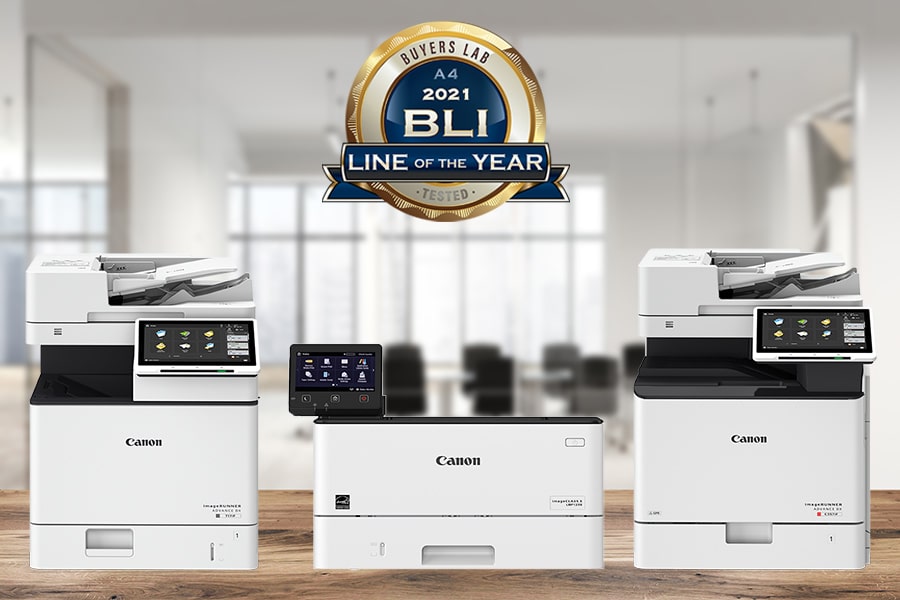
The Fix: Calculate your Cost Per Page (CPP). Business-grade multifunction printers (MFPs), like the Canon imageRUNNER or HP LaserJet series, may have a higher initial cost but offer a significantly lower CPP. Over a 3-year period, upgrading to a laser enterprise machine often results in net savings of 30-40% compared to maintaining a fleet of retail inkjets.
2. Uncontrolled Colour Printing
Does your staff print internal emails in full colour? A colour page can cost 5x to 10x more than a black-and-white page. Without restrictions, “accidental” colour usage adds up fast.
The Fix: Implement Rules-Based Printing. Modern devices from Kyocera and Canon allow us to configure default settings for your team:
- Default to B&W: Users must actively select colour only when necessary.
- Default to Duplex (Double-sided): Instantly cuts your paper usage in half.
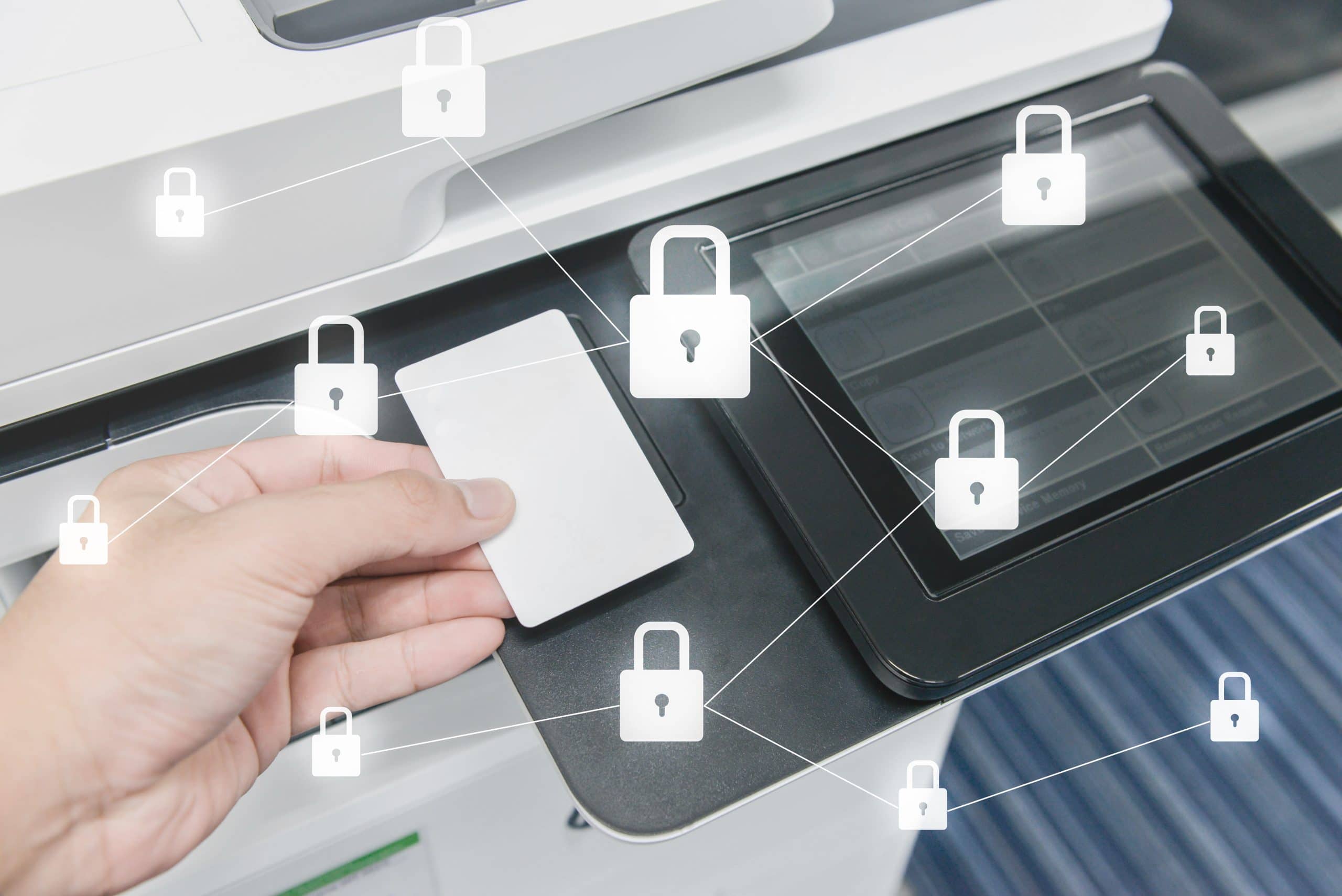
- User Authentication: Prevents unauthorized large-volume print jobs.
3. Ignoring the “Scan-to-Cloud” Potential
If you are photocopying documents to file them physically, you are paying for toner, paper, and physical storage space. In a hybrid work environment—common across Vancouver and Burnaby—physical paper is also harder to share.
The Fix: Utilize the advanced scanning features of your MFP. We can set up “one-touch” scanning directly to Google Drive, Dropbox, or SharePoint. This digitizes your workflow, reduces hard copy costs, and makes documents searchable and secure.
4. Buying Toner Ad-Hoc (The Supply Closet Waste)
Do you have a closet full of toner cartridges for printers you no longer own? Or do you panic-buy expensive toner at retail prices when you run out? This “break-fix” approach is inefficient.
The Fix: Switch to a Managed Print Service (MPS). With an MPS agreement, we monitor your toner levels remotely. We ship supplies exactly when you need them—at wholesale rates—so you never carry excess inventory or run dry during a critical project.
5. Outdated, Energy-Hungry Devices
Older copiers consume a massive amount of electricity, even when sitting idle. With BC Hydro rates to consider, keeping a 10-year-old machine running can be more expensive than you think.
The Fix: Upgrade to Energy Star-certified devices. Modern HP and Kyocera machines utilize “Deep Sleep” modes and low-melt toner technology to drastically reduce energy consumption, lowering your office’s carbon footprint and utility bill.
Stop the Waste: Get a Free Print Assessment
You can’t manage what you don’t measure. The first step to lowering your printing costs is understanding exactly where the money is going.
Columbia Business Systems offers a comprehensive Print Assessment for businesses in Vancouver, Surrey, and the Fraser Valley. We will analyze your current fleet, calculate your true Cost Per Page, and show you exactly how much you could save with an optimized solution.
Ready to cut costs? Call us at 604.591.3488